
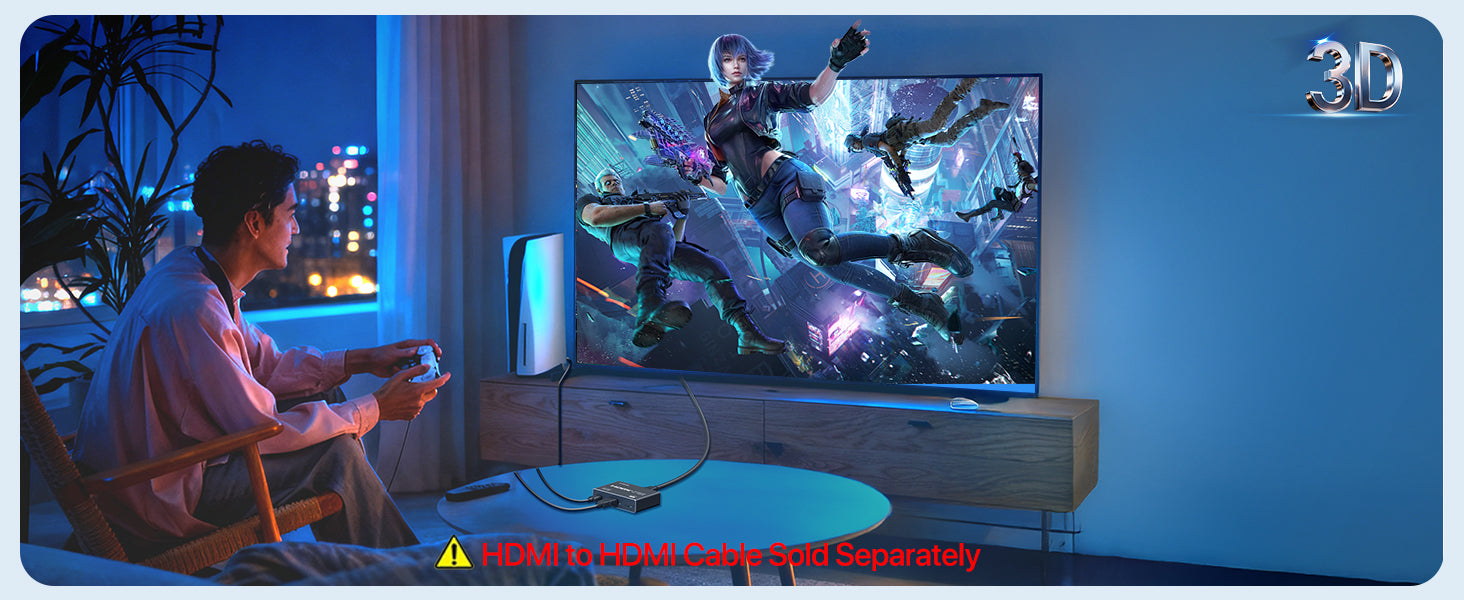
 Need to show the same HDMI content on three screens at once? The KiWiBiRD HDMI Splitter 1 in 3 out is built for exactly that job. It takes one HDMI input and sends the same picture to three HDMI output displays, which makes it useful when a single source needs to be viewed in more than one place at the same time.
What this product is
This is an HDMI Splitter 1 in 3 out. In simple terms, it connects one HDMI source to three HDMI displays. The key idea is consistency: all connected screens show the same content.
The core benefit: one source, three mirrored screens
The most important and most distinctive point here is the 1 input to 3 outputs layout. If your goal is to repeat one screen across multiple displays, this setup is far more direct than trying to manage separate output paths one by one.
That can be helpful in situations where the same video or presentation needs to stay visible across multiple screens at the same time. A mirrored layout is often easier to manage, easier to explain, and easier to keep consistent for everyone viewing it.
How it works
The setup concept is straightforward:
- Connect your HDMI source to the splitter input.
- Connect up to three HDMI displays to the output ports.
- Connect the USB-C power cable to the splitter and to a power supply.
- Set the correct display mode on the HDMI output device.
Once connected correctly, the product is intended to deliver the same HDMI signal across the connected displays.
Where it fits best
This type of product makes the most sense when the same screen needs to appear on more than one display. That can include a monitor, projector, TV, or another HDMI display in the same setup. The product listing also references devices such as monitors, TV boxes, gaming PCs, laptops, PS5, PS4, and projectors as part of its usage context.
- Sharing one source across multiple displays
- Keeping the same content visible in more than one viewing position
- Building a simpler mirrored HDMI setup around one source device
Reasonable expectations before you buy
This is the section that matters most for avoiding setup mistakes.
| Expectation | What to know |
|---|---|
| Screen mode | This product supports mirroring only. It does not support expansion. |
| Power | Power must be supplied during use. |
| Connection role | Its role is to duplicate one HDMI input across three outputs. |
If your goal is to place different content on different screens, this is the wrong product type. If your goal is to repeat one source across three displays, this is the kind of setup it is designed for.
Compatibility and setup notes
The accessible listing information references use with HDMI display environments involving monitors, TV boxes, gaming PCs, laptops, PS5, PS4, and projectors. The user manual also states that power is required during operation, so the USB-C power connection should be treated as part of the normal setup process.
Before use, it is worth checking two basics:
- Your source device is connected to the HDMI input side correctly
- Your displays are connected to the output side and set to the correct display mode
FAQ
Does this splitter extend the desktop to three different screens?
No. The user manual states that it supports mirroring only and does not support expansion.
Does it need external power?
Yes. The user manual says power must be supplied during use, and it lists a USB-C power cable as part of the setup.
What is the main reason to choose this type of splitter?
The clearest reason is simple: one HDMI source can be shown on three displays at the same time. That is the main value of a 1 in 3 out mirrored setup.
What should I check before installation?
Check that your source device is connected to the input side, your displays are connected to the output side, and power is connected before use.
Final thoughts
If your target setup is based on mirroring one HDMI source across three displays, the KiWiBiRD HDMI Splitter 1 in 3 out is built around that exact job. The most important thing is to match the product to the right expectation: same content on multiple screens, with power connected during use.
Shop the guide
KiWiBiRD HDMI Splitter 1 in 3 out
Still need help? Contact us


Share:
Why a Micro HDMI to HDMI Adapter Matters for Cameras and Portable Setups
One Reader for CF, xD, SD and More